

SMART PLAN
Category / Cyclone Field 360
This topic covers how to install and use Cyclone Field 360
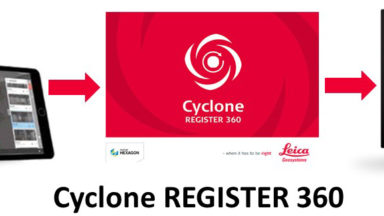
Reality Capture Field to Finish Workflow
The following list of videos steps the customer through the process of deploying the RTC360 and creating deliverables for clients.

Creating Tags with Cyclone Field360
When taking an image in the field, the user can attach the image to the scan or save it as an asset into the project. Follow these steps when creating a tag in Cyclone Field360.
Cyclone Field 360 BLK360 Field Project and Workflow Basics
Cyclone Field 360 BLK Import and Workflow Process FW3 v2020
Creating Account for Cyclone FIELD 360
To register for Cyclone FIELD 360, copy the following URL into a web browser. https://portal.cyclone-cloud.com Click on Register Answer “Yes” to all four questions. Enter all your information as prompted. Click “Save User Info” to continue. An email will be sent to the email address […]