
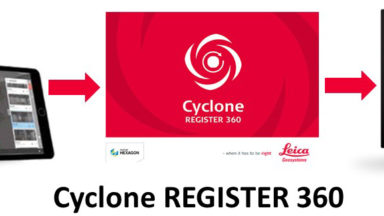
Reality Capture Field to Finish Workflow
The following list of videos steps the customer through the process of deploying the RTC360 and creating deliverables for clients.
All topics related to the RTC360 for example how to update the firmware, optimal settings and specifications
The following list of videos steps the customer through the process of deploying the RTC360 and creating deliverables for clients.

Importing RTC360 Data into Cyclone covers transferring the data from the RTC360, file management, creating a blank database in Cyclone and import settings.
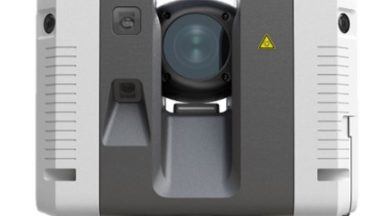
Importing RTC360 Data into Cyclone REGISTER360 covers transferring data from the RTC360, file management and importing data into the program.
Learning Leica is a website that offers additional training course content for current CCP customers.
RTC360 Weblink to Leica Parent page.
Introduction When updating the RTC360’s Firmware, follow these steps: Step 1 – Download and Copy Firmware The RTC360 Firmware may be downloaded at myWorld@Leica Geosystems. https://leica-geosystems.com/en-us/services-and-support/product-services/myworld—customer-portal Scroll down and login. Go to My Downloads/HDS Laser Scanners/RTC360 Laser Scanner/Software/RTC360 Firmware. Click Download. Copy the RTC360.fw onto […]