
Processing RTC360 Data – Section 2
In Section 2, RTC360 Review Key Tools in Desktop Software”, the RTC360 sample project has been imported. We will review the Leica Cyclone REGISTER 360 PLUS Toolbars, workflow tabs, and navigation tools.
In Section 2, RTC360 Review Key Tools in Desktop Software”, the RTC360 sample project has been imported. We will review the Leica Cyclone REGISTER 360 PLUS Toolbars, workflow tabs, and navigation tools.

Enhanced TruView SiteMaps embed a custom title page with HTML links to jump between multiple pages of information to guide viewers on what assets are embedded in the LGSx file. The TruView traditionally opens with an image of the point cloud sitemap and displays the […]
The Advanced UCS tools are accessed in the Setup or Bundle Cloud. Users can set the UCS by Pick, Plane or Corner. By Pick and Corner give users the option to enter in a specific reference point. Watch the following video by Brian Elbe to […]
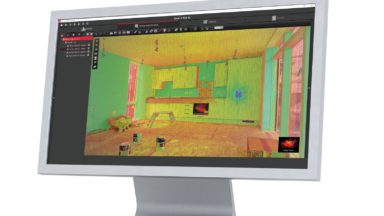
This self-guided Teachable class shows users how to import, verify and process point cloud data in REGISTER 360. It also highlights some of the basic tool sets in the program.
Instructional Series of Videos to guide new BLK360 users on how to Register scan data in Cyclone Register 360.
December 2020 Apple released IOS update and offers a new connecting option called LOCAL NETWORK. Users of Cyclone Field 360 need to enter 1. SETTINGS / 2. CYCLONE FIELD 360 and allow connection via the new LOCAL NETWORK option in order to connect to scanner.

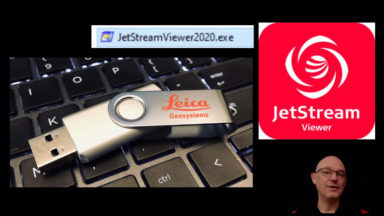
Detailed instructions on how to format USB to exFAT, load the portable viewer and .lgs file to a USB drive then unzip the viewer and test the deliverable.
This document explains how to access JetStream from CloudWorx for AutoCAD, Revit, Navisworks, MicroStation and PDMS.
Learning the basic commands and navigating Cyclone helps streamline workflows.
Recent Comments