
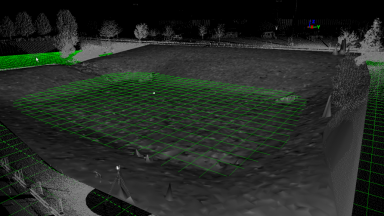
Volumes
Volumes are easily calculated in the Cyclone software. The three different volume calculations available are Enclosed Modeled Objects, TIN to a Plane, and TIN to TIN.
Volumes are easily calculated in the Cyclone software. The three different volume calculations available are Enclosed Modeled Objects, TIN to a Plane, and TIN to TIN.
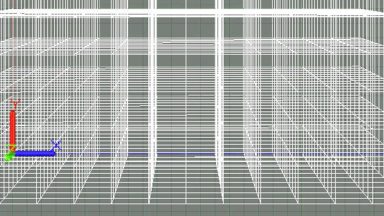
The UCS tools are important for manipulating the point cloud. UCS can be Set to Up Direction, Set to an Object, Set from Points, Set to X, Y, Z Axes.

The Unify and Merge commands combine points into one cloud to improve performance of large point clouds. The point cloud may be decimated through the Unify command. Merge combines points but allows the individual clouds to be turned on and off.

Existing TINs can be re-sampled to reduce the number of triangles and create an evenly spaced grid of points or mesh over an irregular mesh.
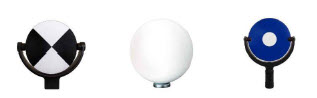
Black and White, Spheres and HDS targets are the three primary types used in the field with the scanners. The P-Series, BLK360 and RTC360 use Black and White and Sphere targets. The C10 can acquire all three types.
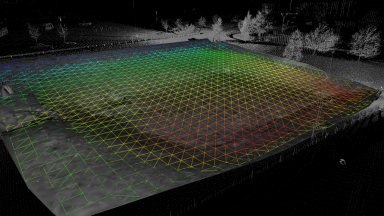
Surface deviation is a great tool to see how much one TIN deviates from another.
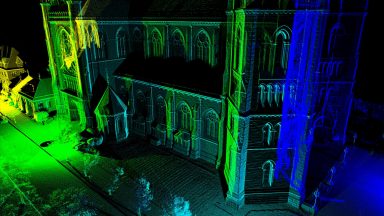
ScanWorld Explorer is a menu where you can re-load the point cloud after you have modeled, erased, or segmented the cloud. Users can colorize scans position by separate colors.
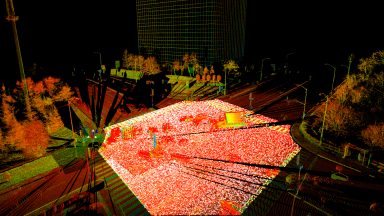
Removing Noise is an easy way to remove tons of noise on the surface of a point cloud from traffic or other interference.
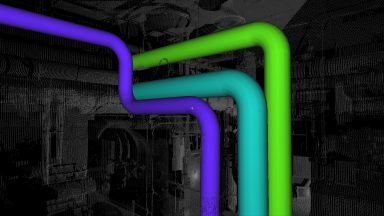
This section covers other registration techniques other than targets and point clouds to register scans together. It covers techniques such as creating calculated vertexes between planes, and using modeled objects such as pipes and patches.
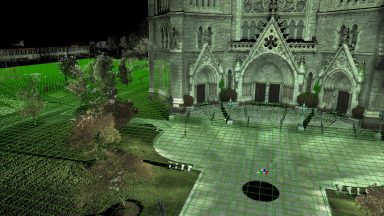
Reference Planes are extremely helpful tools for Points on a Grid, Alignments, Volumes, 2D Drawing Tools, Modeling and Measurements. Multiple Reference Planes can be created and saved.
Recent Comments