

Preferences
Most of Cyclone program settings are found in the Preferences. These can be assessed from Cyclone Navigator or within a ModelSpace View. Changing some of the preferences can enhance program functionality.
Most of Cyclone program settings are found in the Preferences. These can be assessed from Cyclone Navigator or within a ModelSpace View. Changing some of the preferences can enhance program functionality.
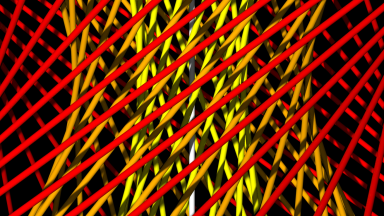
A Nested Registration is a techniques that allows users to build registrations from previous ones. Users can combine scans from the first day of field work and then combine the second days work. Then day one and two can be combined together.
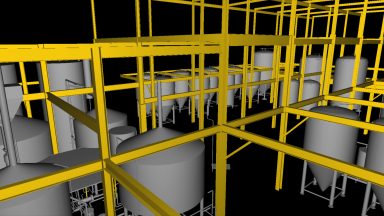
3D Surface Models can be created form the point cloud data in Cyclone. This section covers Piping, Steel, Parts Table, Steel, Patches, Boxes and Cones, Copying and Moving modeled objects
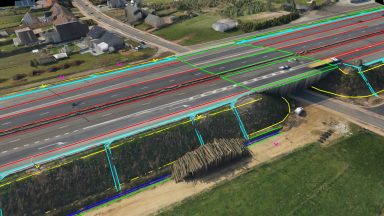
Breaklines are important features in any topographical map for the creation of TINs as they set defined boundaries. Polylines can be created in Cyclone from Pick Points, Virtual Surveyor, Fit Edge or Roadway Alignment and Station tool.
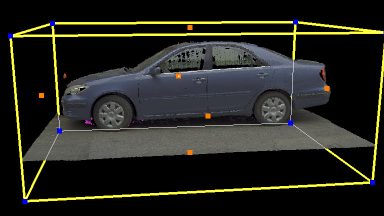
Limit Boxes provide a way in Cyclone to isolate or limit the amount of point cloud data or modeled object that is viewed. Limit Boxes may be moved, changed in size and rotated to match the subject. Multiple Limit Boxes can be set and saved.
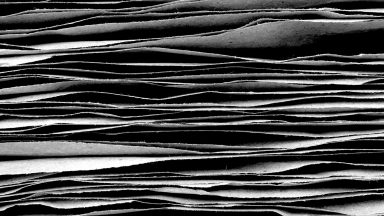
Layers in Cyclone provide a powerful tool for managing the visibility and selectability of point clouds or modeled objects. Users can import their standard CAD layers into Cyclone using COE.

Commands in Cyclone can be Hot Keyed to any button on the computer’s keyboard to speed up processing. Cyclone installs with a preset list of built-in Hot Keys.
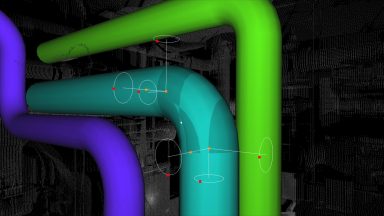
Handles in Cyclone can move, change and rotate the properties of any object. Handles can also be dragged and snapped together.
Recent Comments