
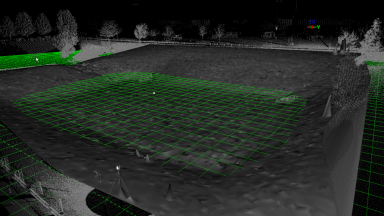
Volumes
Volumes are easily calculated in the Cyclone software. The three different volume calculations available are Enclosed Modeled Objects, TIN to a Plane, and TIN to TIN.
Volumes are easily calculated in the Cyclone software. The three different volume calculations available are Enclosed Modeled Objects, TIN to a Plane, and TIN to TIN.

Existing TINs can be re-sampled to reduce the number of triangles and create an evenly spaced grid of points or mesh over an irregular mesh.
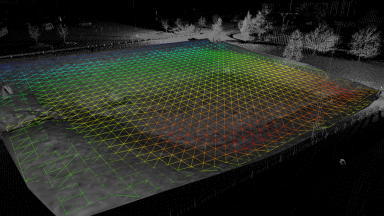
Surface deviation is a great tool to see how much one TIN deviates from another.
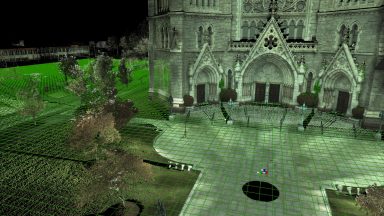
Reference Planes are extremely helpful tools for Points on a Grid, Alignments, Volumes, 2D Drawing Tools, Modeling and Measurements. Multiple Reference Planes can be created and saved.
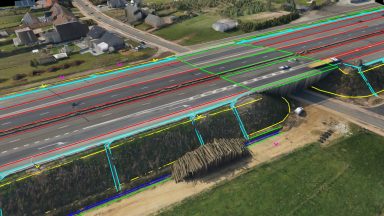
Breaklines are important features in any topographical map for the creation of TINs as they set defined boundaries. Polylines can be created in Cyclone from Pick Points, Virtual Surveyor, Fit Edge or Roadway Alignment and Station tool.
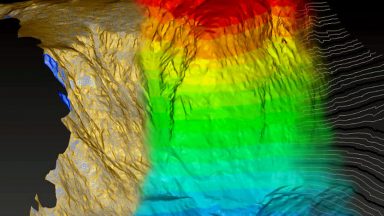
TINs created in Cyclone are easily exported out as a XML and recognized as a surface in AutoCAD in the Terrain Explorer.
Recent Comments