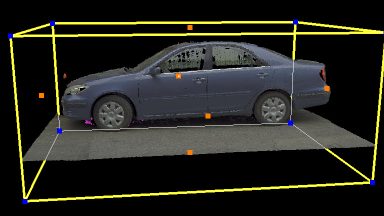
Limit Boxes

Limit Boxes provide a way in Cyclone to isolate or limit the amount of point cloud data or modeled object that is viewed. Limit Boxes may be moved, changed in size and rotated to match the subject. Multiple Limit Boxes can be set and saved.

Layers

Layers in Cyclone provide a powerful tool for managing the visibility and selectability of point clouds or modeled objects. Users can import their standard CAD layers into Cyclone using COE.

Cyclone – Hot Keys

Commands in Cyclone can be Hot Keyed to any button on the computer’s keyboard to speed up processing. Cyclone installs with a preset list of built-in Hot Keys.

Handles

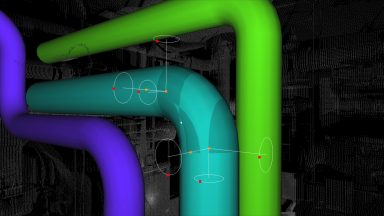
Handles in Cyclone can move, change and rotate the properties of any object. Handles can also be dragged and snapped together.

Edit Properties

The Edit Properties is dialogue box that can change a multitude of features of modeled objects, lines, polylines and limit boxes in Cyclone.

Virtual Surveyor

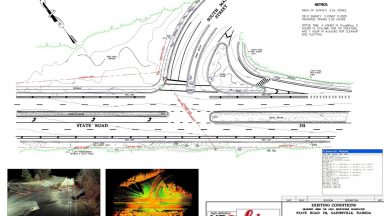
Virtual Surveyor is an effective and quick method of digitizing points, lines and polygons from the point cloud.

Publishing TruViews in Cyclone

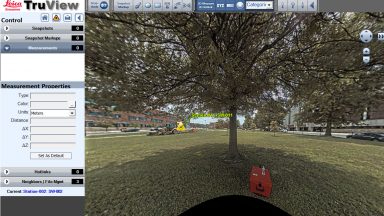
TruView is a free panoramic viewer that allows users to view the point cloud data and image from the scanner position or the scan data from defined camera views.